Paying a Malaysian Shop by QR: Check the App, Merchant and Currency
For Singapore travellers using an existing participating app, distinguish Malaysian merchant QR payments from person-to-person transfers. Check the merchant, MYR amount and displayed SGD conversion without assuming every QR works.
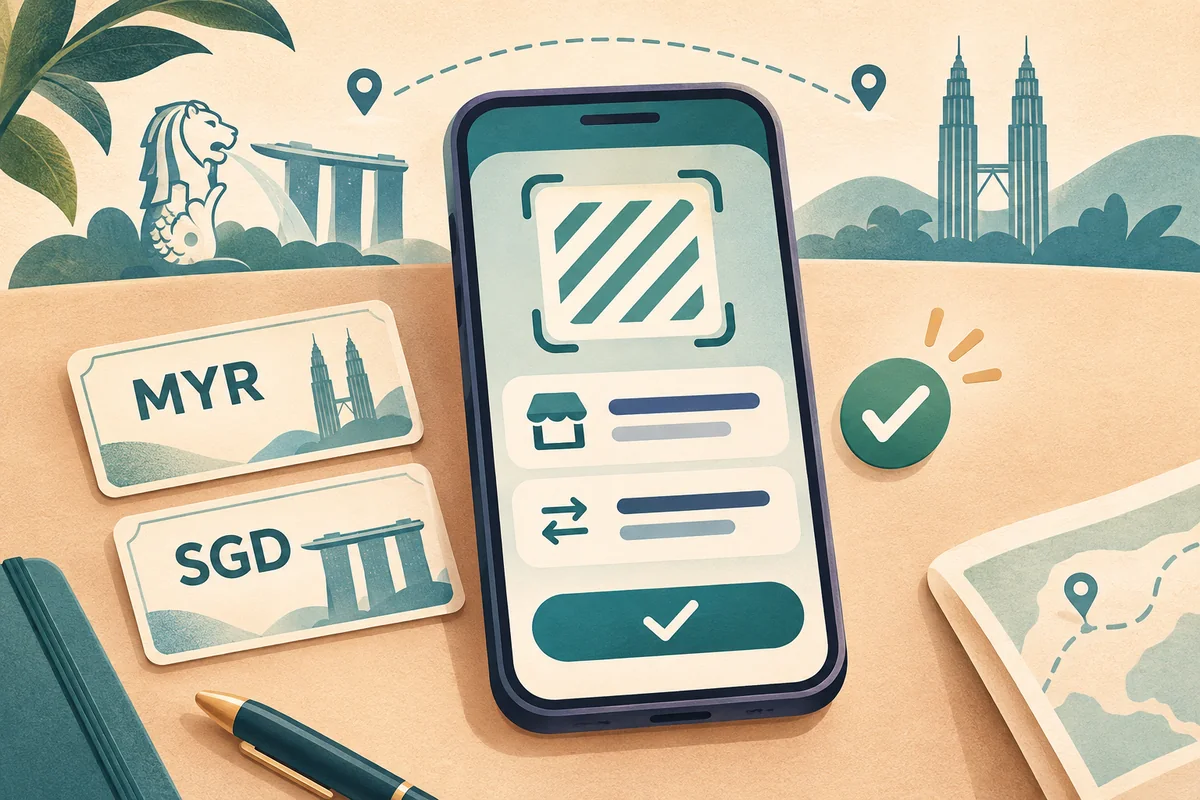
A merchant QR purchase and sending money to a person's phone number are not interchangeable payment instructions. Use the exact service supported by your existing app and the actual merchant, rather than assuming that every pink code can be paid by every Singapore app.
This is a practical reading guide for travel spending, not a recommendation to open a financial product or a statement that our transport service accepts DuitNow, PayNow or a particular bank app.
Original AI editorial illustration: generic phone, non-scannable diagonal symbol and MYR/SGD cards, not a bank interface, merchant code or payment proof. Original composition retained; resized without upscaling to1200px and WebP compression, responsive display crop. No real customer or financial-product endorsement.
Name the transaction before choosing the button
MAS describes the merchant QR linkage separately from the PayNow-DuitNow person-to-person linkage. A shop displaying a QR, a person giving a mobile number and an instruction for a car-booking deposit therefore need separate checks. This distinction does not accuse a legitimate seller of anything; it prevents a broad phrase such as pay by phone from hiding which recipient and service you are actually authorising.
Participating app and merchant are two checks
The DBS guide gives an example of a participating overseas merchant QR service. It is not a promise about every banking app, personal QR or merchant arrangement. Check your own provider's current support and the actual shop's acceptance. If the app cannot read the code or shows an unexpected recipient, stop and ask through the appropriate provider or merchant channel; do not guess a different payment route just to finish quickly.
Read the amount's currency, not just the number
For the DBS example, the app's review presents the foreign-currency amount, exchange rate and the SGD amount before confirmation. If an amount must be entered, follow that app's actual currency label; do not copy a generic online instruction that says to enter SGD for every QR. Check the merchant identity and intended purchase alongside the amount. The two-currency illustration here contains no live rate or example amount to reuse.
A familiar app is not a zero-cost or cashback promise
Read the conversion information and your provider's applicable terms for this exact service. Merchant acceptance does not prove a universal fee, exchange-rate advantage or promotional reward. In particular, an old article or a still-visible banner with an ended campaign date is not evidence of today's cashback. This guide does not rank banks by cost, publish a fixed saving or generalise one provider's conditions to all others.
Resolve uncertainty without repeating an unknown payment
Use your app's actual transaction status and the merchant's appropriate confirmation process. If an attempt is pending or unclear, establish what happened to that original attempt before authorising another; a loading screen is not proof that nothing was charged. Keep sensitive account evidence with the relevant provider's support process. Never send passwords, one-time codes or full account screens to a routine transport conversation. No payment has been attempted for this guide.
Keep shop spending separate from the road quote
A passenger's preferred app does not change the transport booking's currency, agreed total or accepted payment method. Use the existing road price and quote pages for the real itinerary and confirm its business payment instructions separately. A shop's DuitNow display is not evidence that an unrelated driver uses the same channel. Primary information checked3November2026; actual provider terms, recipient and authorisation remain yours to review.